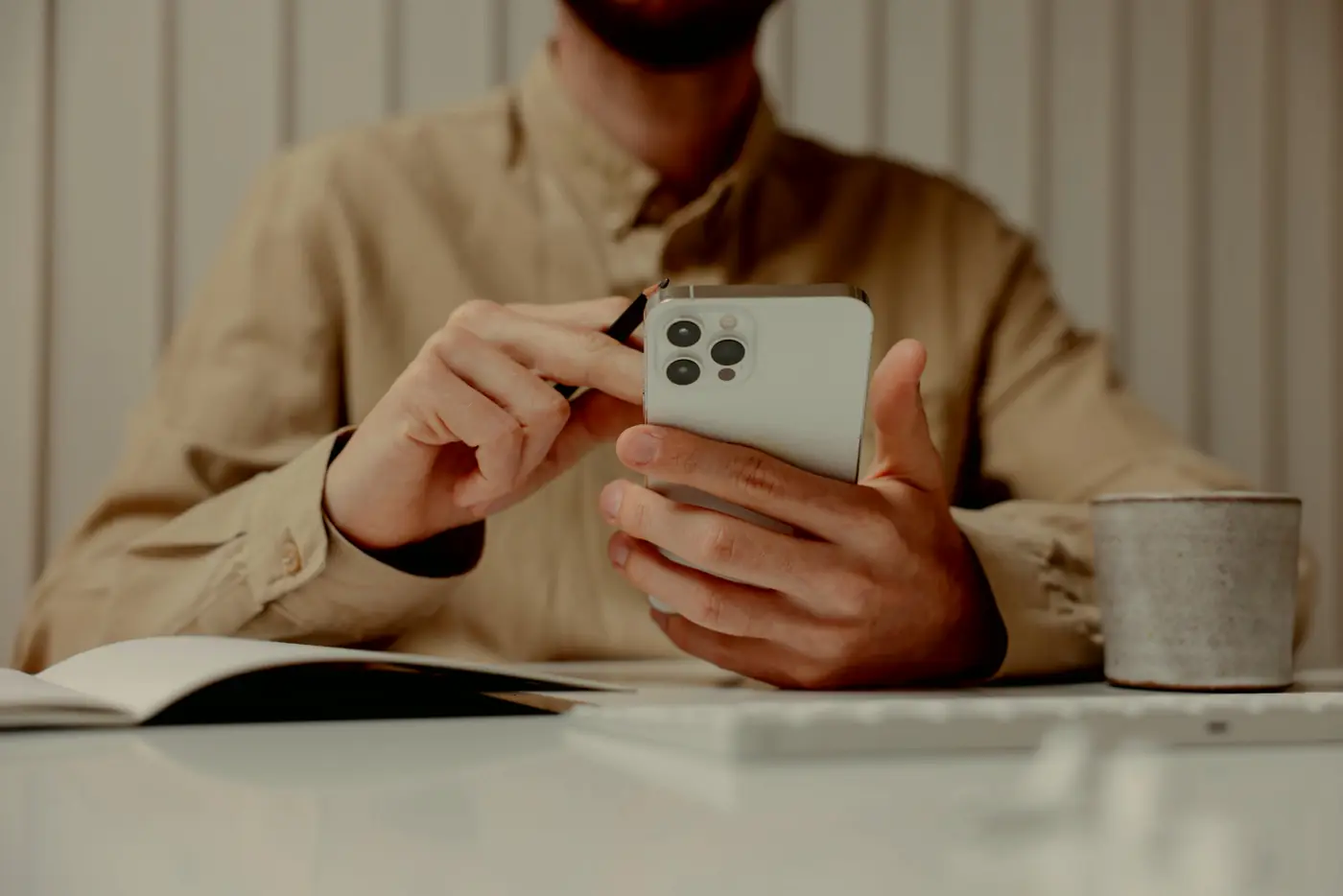
Why your iPhone reminder didn't go off.
A reminder that doesn't go off never tells you it didn't. You find out later, usually from the thing you missed.
An alarm clock that fails wakes you late, and you know about it straight away. A reminder that fails just leaves a gap where something was meant to happen, and you fill it in yourself, an hour or a week later, with "I'm sure I set one for that".
When I went through thousands of one and two star reviews of notes and task apps, reminders came up in 19.0% of the bad reviews of the task apps. Nearly one in five, late, missing or not able to do what was needed.
What surprised me, reading them, is how few of those failures are the app crashing. Most of the time the phone did exactly what it was told, by a setting somebody switched on months ago and forgot about, or by a rule the app never mentioned. And almost all of it applies to Apple's own Reminders app as much as anyone else's.
It arrived, it just didn't tell you
Think of your phone as a post room. Your reminder is a letter that has to get from the app to you, and there are several people along the way who are allowed to hang on to it.
Scheduled Summary is the first, and it sits at the top of your notification settings. Put an app in it and its notifications are held back and handed over in a bundle at the times you picked, 8am and 6pm, say. So a 2pm reminder from that app turns up at 6pm, in a pile, looking exactly like the news alerts it's sitting with. The way round it is a notification the app has marked as Time Sensitive, which skips the summary, as long as "Time Sensitive Notifications" is still switched on under that app's name.
A Focus is the second. Work, Sleep, Do Not Disturb, whichever you use, it silences every app you haven't let through, and the reminder slips into Notification Centre without lighting the screen. Time Sensitive notifications can get past a Focus as well, but only if that Focus allows them, and that's a separate switch, in the Focus itself, so it's easy to have one and not the other.
On silent, a reminder still arrives, it just doesn't make a noise, and Time Sensitive doesn't change that. If your phone spends the working day face down, as mine does, a reminder can turn up at exactly the right minute and still be missed completely.
The app's own switches are the last of them. If "Lock Screen" and "Banners" are both off for that app, the letter is filed away and nobody's told it came.
It was never really there
Sometimes the letter was never written in the first place.
If you tapped "Don't Allow" when the app first asked to send notifications (and a lot of apps ask before you've done a single thing in them, which is exactly when most of us say no), nothing it schedules will ever show up. Not every app checks, so it can carry on letting you set reminders that go nowhere.
Then there's the limit almost nobody mentions. iOS lets one app hold 64 scheduled notifications at a time, and Apple's own documentation says the phone keeps the 64 that fire soonest and discards the rest. Silently, the post room has 64 pigeonholes and letter number 65 goes in the bin. How quickly an app fills them depends on how it was built, and repeating reminders are usually what does it.
Location reminders have their own version. To fire when you arrive somewhere with the app closed, the app needs your location set to "Always", not "While Using", and iOS lets one app watch 20 places at once, so a 21st place reminder has nobody watching for it.
It was waiting on somebody else's computer
Some apps don't schedule your reminder on your phone at all. They keep it on their own servers and send it to you when the time comes, which is normal for anything that lives in a browser as well as on your phone. It means your reminder depends on two things you don't control, their servers having a good afternoon, and your phone having a signal at that exact moment, and a train in a tunnel is enough to lose it.
Low Power Mode adds to this. Apple says it reduces background activity, so an app that needs to wake up in the background to sort its reminders out gets fewer chances to do it.
If you're on Android, the same post room has different staff. Since Android 14, most newly installed apps no longer get permission to fire at an exact time by default, so a reminder can turn up late unless the app asks you for "Alarms & reminders" access. Some phone makers also close background apps far more aggressively than others, and Don't kill my app! keeps a list of which.
The five-minute test
Do it once, tonight, whichever app you use.
Set a reminder for three minutes from now. Then set the phone up the way it actually lives, not the way it looks when you're testing it. Swipe the app away, turn on Low Power Mode, switch on the Focus you use most, put the phone in flight mode, lock it and put it face down. Then go and do something else.
When the three minutes are up, did it arrive on the minute, on the Lock Screen, without you having to pick the phone up and look? If you only found it later, sitting in Notification Centre, it arrived but it didn't reach you, and that's a fail too.
A reminder that arrived with no signal was scheduled on your phone. If it only turns up when you switch flight mode off, it was coming from a server, and now you know your reminders need a signal to reach you.
If it failed, put things back one at a time, Focus off, then Low Power Mode, then flight mode, and run it again. Whichever change brings it back is your answer, and usually it's a switch you can flip in about ten seconds.
What I did about it in Catchlight
Catchlight isn't out yet, I'm building it in the open, and reminders are one of the parts I've spent the longest on, because in Catchlight a reminder is just something a Take can carry, alongside the note and the task.
Time and location reminders are scheduled on the phone. There's no Catchlight server for them to wait on, so flight mode makes no difference, which is the same reason I built the app to work offline first. They're marked Time Sensitive, so they skip a Scheduled Summary, and get through a Focus wherever you've allowed it. If you ignore one, it nudges you again, up to three times, and you can switch that off if it's not for you.
The 64 pigeonholes apply to me as much as anyone. A repeating reminder is booked 12 occurrences ahead, each one its own alarm so you can delete a single one without losing the rest, and the app tops them back up every time you open it. For one daily reminder that's about 12 days of cover between opens, and the more repeating reminders you have, the shorter that gets, because they're all sharing the same 64.
If you're weighing up Apple's own app, the Catchlight and Apple Reminders comparison goes through the differences.
Set one for three minutes from now, lock the phone and put the kettle on. If it hasn't reached you by the time the kettle's boiled, it won't reach you on the day it matters either.
Join the list and we'll tell you the day Catchlight is ready, with extra time on the free trial.
Early joiners get an extra month free, on top of the 14-day trial, when we launch, and that's all we'll email you about.