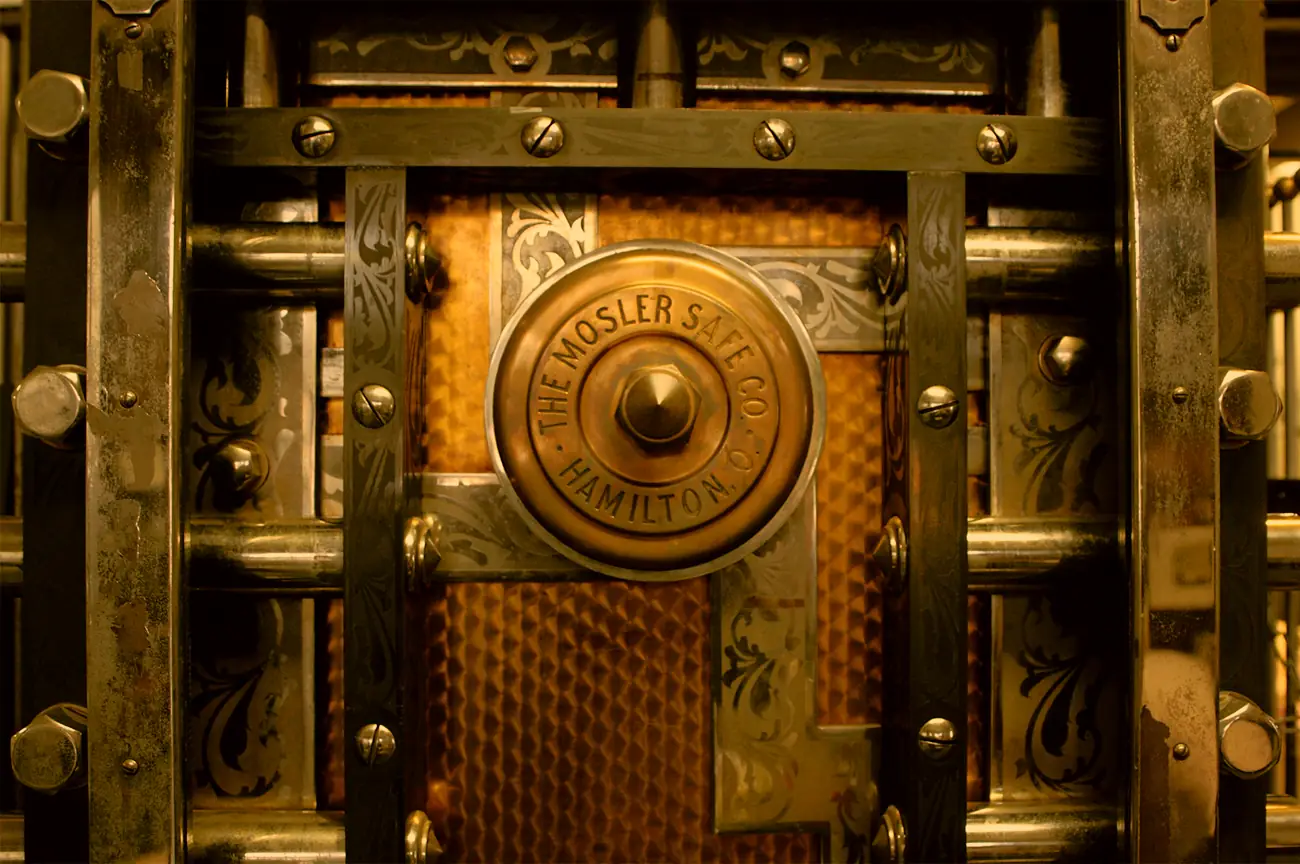
What happens to your notes when the app shuts down.
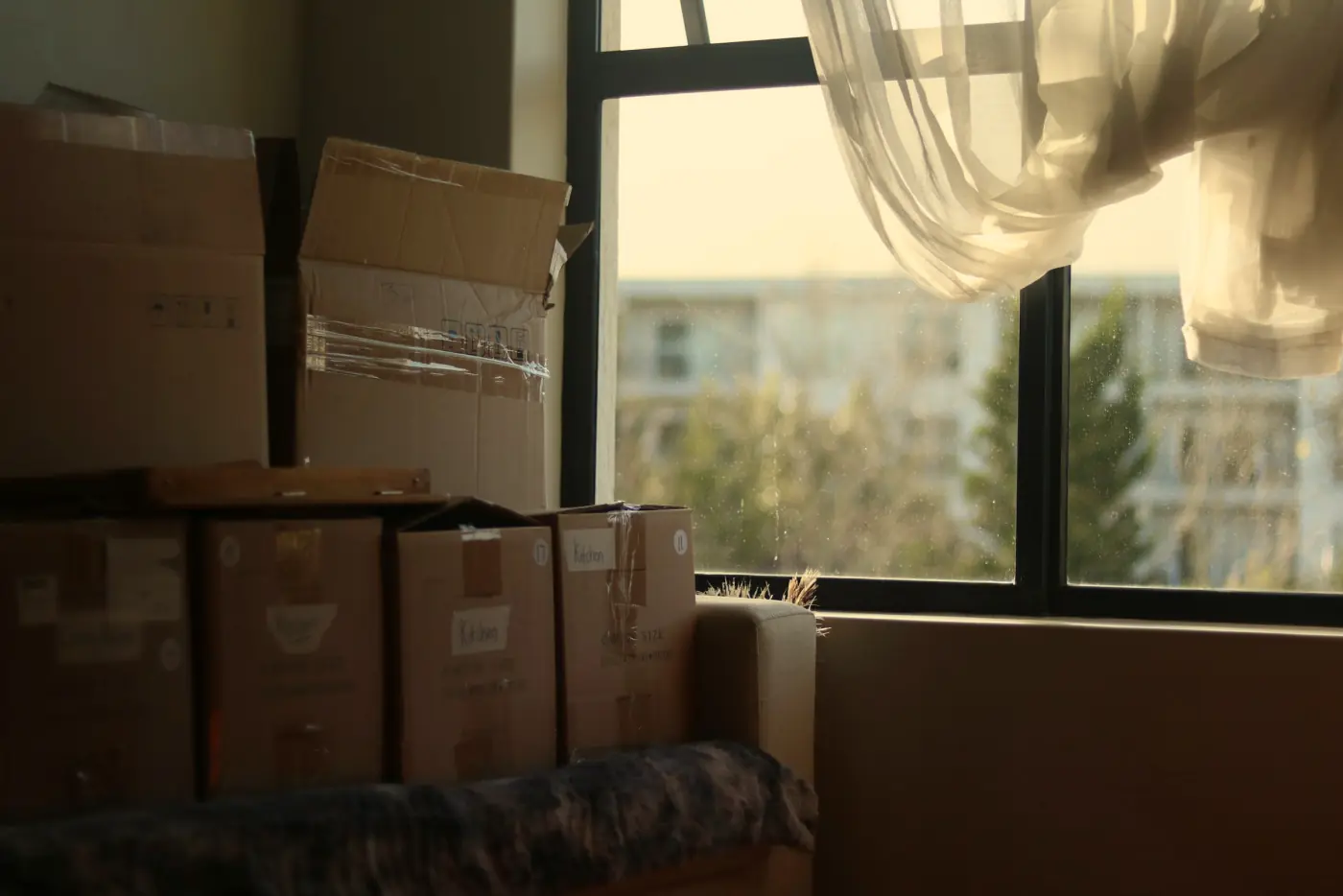
On 29 October 2024, the people who used Omnivore found out the app was closing, and that anything still in it would be deleted on 15 November.
That's seventeen days. ElevenLabs had bought it, the people who built it were moving across to work on ElevenReader, and the app, the thing half a library's worth of saved reading lived in, wasn't coming with them.
Pocket went the same way the following summer. Mozilla said in May 2025 that it would stop working on 8 July, and that you could export your saves until 8 October, after which they'd be permanently deleted. That's about as decent as a closure gets, months of notice and an export button, and it was still a letter with a date on it.
Most notes apps are a storage unit. You rent the space, you carry your boxes in, and the building belongs to somebody else. For years that's fine, more than fine, the shutter rolls up when you punch in your code, there's a man on the desk who knows your name, and you never once wonder who owns the freehold.
Then the letter arrives. The facility is closing, please collect your belongings by the 15th, anything left after that date will be disposed of. And standing there with the letter, you realise you've no idea how many boxes you've got in there, half of them have no label on them at all, and you don't own a van.
The question to ask before you move in
The test I use on any app I'm about to trust with something that matters is a dull one, and I've written it down before. Would it still work if the company behind it vanished tomorrow?
Most people, quite reasonably, ask a different question, which is whether the company is big enough to be around in five years. I don't think that one gets you very far. Mozilla isn't small. A notes app run by one of the largest companies on earth can still be quietly retired the year somebody senior decides it doesn't fit, and a tiny one can run for a decade. Size tells you something, of course, and so does whether a company charges enough to keep the lights on. What it can't tell you is what happens to your writing on the day it all goes wrong.
Ask what the company can do, instead of whether you trust it not to. Can it switch off the place your notes live? If your notes sit on its servers, behind its login, then yes, and the only thing standing between you and the letter is that nobody has written it yet.
A test you can run tonight
Find the export in your notes app. Not the help page about it, the actual control.
Export everything you've got, the whole lot, then open the file in something that isn't that app. A text editor, the Files app, anything. If what's in front of you is your writing, in words you can read, you've got a van. If it's a format only that app understands, or the export only works one note at a time, or it sits on the paid plan you stopped paying for in 2023, you've got a letter coming, you just don't know the date.
While you're there, count. How many notes does the export hold, and roughly how many did you think you had? Those two numbers agreeing is worth more than any promise on a pricing page.
Where Catchlight sits, and what's still on you
I built Catchlight so the letter has nowhere to be sent from.
There's no account and no Catchlight server. Your Takes live on your phone, and the copy that syncs goes into a cloud folder you already own, encrypted with a key that only you hold. Nothing of mine sits in the middle, so there's nothing of mine to switch off. In the storage-unit picture, the boxes were never in my building. They're in your garage.
The boxes are locked, though, and that's the part I'd want to be told. The files in your folder are encrypted, which is the whole point of them, and it also means you can't open them in a text editor. The key is your 12-word Privacy phrase, and if that's lost with no copy written down, nobody can reset it for you, not me, not anyone. I've written about why in who holds the key.
That's why export was there from the start. I didn't build it as a feature, not really. An app that holds your only copy and won't hand it back is a hostage situation, and nobody should have to fear that. Every Take comes out as Markdown, which is plain text with a little formatting that any notes app or text editor can read, and a Catchlight export goes back into Catchlight without losing a date or a reminder.
If you stop paying, your Takes stay readable, and you can still export the lot. You can't add new ones, which seems fair to me, but the price is never the lock. And the code that reads and writes those files is public, under an Apache 2.0 licence, so the format isn't a secret only I know. There's more on what that does and doesn't buy you in what open source buys you in a notes app.
None of this makes moving painless. Every migration brings its own headaches, whichever app you're leaving, and you'll still find yourself asking whether everything actually made it across. I'd keep an export somewhere local every so often regardless, so you're never relying on one sync service being perfect, mine included.
Catchlight isn't out yet, I'm building it in the open, and if the idea of your notes living in your own garage rather than somebody else's building is what you've been after, the account-free post is a good next read.
Omnivore's users had seventeen days. Go and find your export button tonight, and if the file it gives you opens in something else, you can mostly stop worrying about whose building it is.
Join the list and we'll tell you the day Catchlight is ready, with extra time on the free trial.
Early joiners get 30 days free, instead of 14, when we launch, and that's all we'll email you about.