The best encrypted and secure notes apps (2026).

I make one of these, and mine comes off worse than one of the others on the measure that matters most. It seemed dishonest to write the list and leave that out.
Every app on this list is encrypted. The word is doing almost no work, which is the trouble with searching for it.
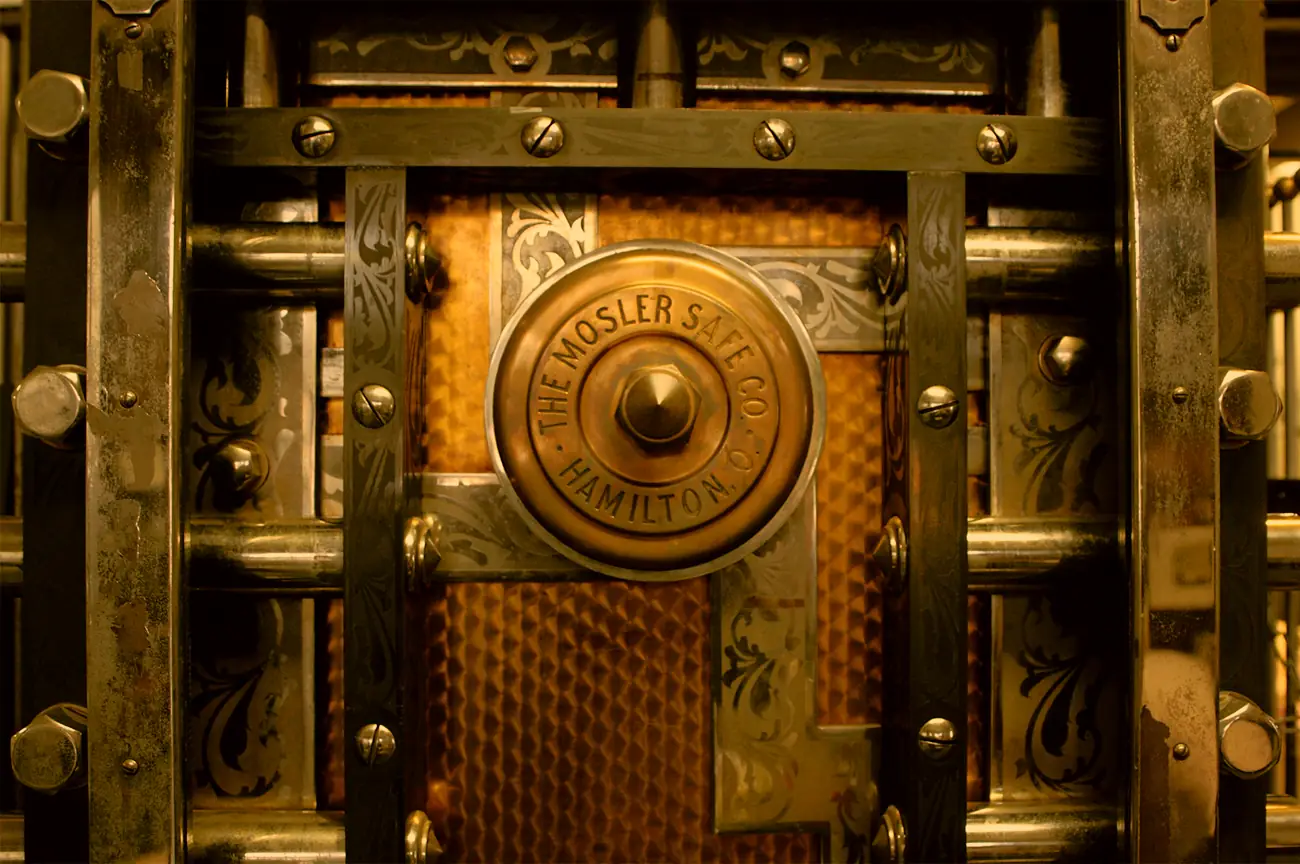
A padlock is a fair picture of what encryption buys you. Anybody can hang one on a door, and it tells you a lock exists. It says nothing about what the door is made of, whether the hasp is screwed into wood that's been wet for 10 years, or whether the outfit that fitted it kept a key on the way out. Every app below passes the "is it encrypted" test, so that test sorts nothing at all. The door is where the differences are.
What actually separates them
Whether the company can read your notes if it decided to, and whether anybody outside that company has ever checked the lock. Neither shows up on a feature list.
The first one is end-to-end encryption, which you'll also see called zero-knowledge. Your key is made on your device out of something only you have, and it never leaves. If the company holds a copy, everything after that is a matter of their policy and, frankly, their mood. The long version is who holds the key, and the threat model paper sets out who might realistically come looking and what each of them can actually do.
The second is an audit, and it's far rarer than it should be. A company can be completely straight with you about its encryption and still have shipped a bug in the thing, and no amount of reading the marketing page finds that. Of everything below, one app has published third-party audit reports. One.
Catchlight
- Encrypted how? On your device, always. The key comes from a 12-word Privacy phrase you're given on first launch, and there's no account and no server of ours for anything to sit on.
- Audited? No. The source is public, which isn't the same thing, and I'm not going to dress it up as though it were.
- The catch. iPhone only for now, paid after a free trial, and young.
This is mine, so read the rest of this list before you read this bit. One item, a Take, that's a note, a task and a reminder at once. Everything works with no network. Sync, if you want it, writes encrypted files into a cloud folder you already own, so there's no account to close and nothing of yours on anything of mine. How it's actually built is in the encryption architecture paper, written so you can check it rather than take my word.
Standard Notes
- Encrypted how? End-to-end, by default, open source.
- Audited? Yes, four times, by Cure53 in 2019 and 2022, Trail of Bits in 2020 and Shackle Labs in 2017, with the reports published.
- The catch. An email account is required, it's notes only, and the nicer editors sit behind a subscription.
If the audit question is the one you care about, this is the answer and it isn't close. Four published reports is more scrutiny than the rest of this list put together, and the consequence is that a careful reader who weights auditing above everything should pick it over mine. What you're trading for it is an account, an email address, and a tool that does notes and stops there.
Notesnook
- Encrypted how? End-to-end by default, using XChaCha20-Poly1305 with Argon2, entirely open source, and the sync server can be self-hosted.
- Audited? Not by a published third party, which they say plainly themselves rather than leaving you to work out.
- The catch. Needs an account, and some of it is paid.
Very close in spirit to what most privacy-minded people are after, and the self-hostable server is a genuinely unusual thing to offer. Saying "we haven't been audited" on your own comparison page is the behaviour you want from a company holding your notes, so it's a fair one to shortlist.
Joplin
- Encrypted how? End-to-end, but off until you switch it on, and you have to turn it on before you sync anywhere.
- Audited? Not publicly.
- The catch. Encryption is opt-in, and you supply your own sync target, which is freedom and homework in equal measure.
Open source, hugely flexible, and properly locked once you've set it up. That word "once" is carrying real weight: an app whose encryption is a setting is an app some proportion of its users are running unencrypted without knowing. If you're happy to enable it on one device, memorise a master password and sync that key everywhere else, it's excellent.
Obsidian
- Encrypted how? Not at rest by default. Your notes are plain-text files on your own machine, so they're as private as the machine and the backups are. The paid Sync service is end-to-end encrypted with a key held on your side.
- Audited? Not publicly.
- The catch. It's a knowledge base rather than a capture app, and unencrypted local files are only safe while the device is.
If you live in linked Markdown on your own hardware, it's wonderful, and plain files are the best escape hatch on this list by a distance. Just be clear with yourself about what "private" means here, because it means your disk encryption and your backup habits, not the app's.
Apple Notes
- Encrypted how? Individual notes can be locked and those are end-to-end encrypted. Everything else in iCloud is encrypted in transit and on Apple's servers with Apple holding the key, unless you turn on Advanced Data Protection.
- Audited? Apple publishes its security documentation and doesn't publish independent audits of it.
- The catch. In the UK you probably can't turn on the setting that fixes this.
Free, quick, and already in your hand, which for a shopping list is all you need. The part to know is that Advanced Data Protection has been closed to new UK users since February 2025, after a Home Office notice, and Apple filed a fresh tribunal claim in August 2026 with the question still undecided. That leaves a UK reader choosing between locking notes one at a time or accepting that Apple holds the key. I wrote up what to do about that, and there's a paper on protecting notes without ADP.
So which one
If the encryption being checked by somebody other than its author is your priority, Standard Notes, and I'd say that even though it costs me the recommendation. If you want open source with a server you can run yourself, Notesnook. If you enjoy the setup as much as the app, Joplin or Obsidian. If your notes are low-stakes and the phone's already in your hand, Apple Notes, with the UK caveat attached.
Mine is worth a look for a reason the audit question never reaches. An audit tells you somebody competent went and checked the lock on the company's door. Catchlight's case is that there isn't a door. With no account and no server of mine, there's no record anywhere of mine that you exist, nothing I hold that a court order could make me hand over, and nothing for a breach to make public. No audit gets you that, and no promise of mine is needed for it either, which is rather the whole idea.
The thing I'd test me on is leaving. Export is Markdown, it's free, and it round-trips exactly, so what comes out goes back in with the timestamps and reminders intact. It keeps working if the subscription lapses, because a lapse in Catchlight leaves your Takes readable and exportable, you just can't add to them. Sync writes encrypted files into a cloud folder you already own, so if I went under tomorrow those files would sit exactly where they sit today and you'd still be able to read them. Obsidian passes that test too, in fairness, and its plain files do it just as cleanly.
Then it's one thing rather than three. A Take is the note, the task and the reminder at once, so a thought you have at a bus stop doesn't need you to pick which app it belongs to before you're allowed to write it down.
Whatever you land on, the test worth applying is whether the company could read your notes if a court asked it to, and whether anybody has looked at the lock since the day it was fitted. How to check that yourself is a whole paper, mostly because the answer is so rarely written down where you'd think to look.
Join the list and we'll tell you the day Catchlight is ready, with extra time on the free trial.
Early joiners get an extra month free, on top of the 14-day trial, when we launch, and that's all we'll email you about.