Every thought deserves a moment of clarity.
A private, beautifully simple app for your notes, tasks and reminders. Everything you capture belongs only to you, by design, not by policy.
Early joiners get 30 days free, instead of 14, when we launch, and that’s all we’ll email you about.
Most apps ask what you’re creating before you’ve thought about it.
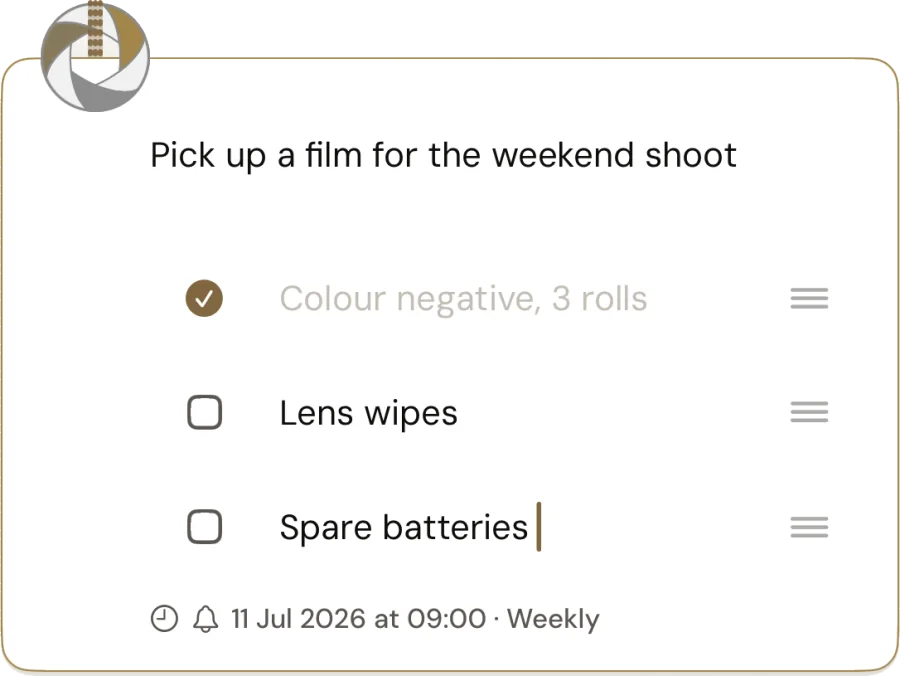
Note. Task. Reminder. Pick one. Catchlight doesn’t ask. There’s one kind of thing, a Take. Start writing and it’s a note. Add a checkbox and it’s a task. Add a date and it’s a reminder. All three if it needs to be. The same Take, shaped by you, never by the app.
A Take is a thought captured in the moment, before you’ve even unlocked. It’s your perspective. It’s spontaneous. It’s personal.
The best note is the one you didn’t have to stop for.
A thought arrives when it arrives. Catch it from the Lock Screen, a widget, the Action button, Control Centre, or just by asking Siri, and it’s saved before you’ve opened anything. No unlocking to get it down. It’s waiting for you, encrypted, when you come back.
Open the app later. Catch the thought now.
Calm to look at. Quick to use.
No grid of features fighting for attention, just your thoughts, in the order you had them.
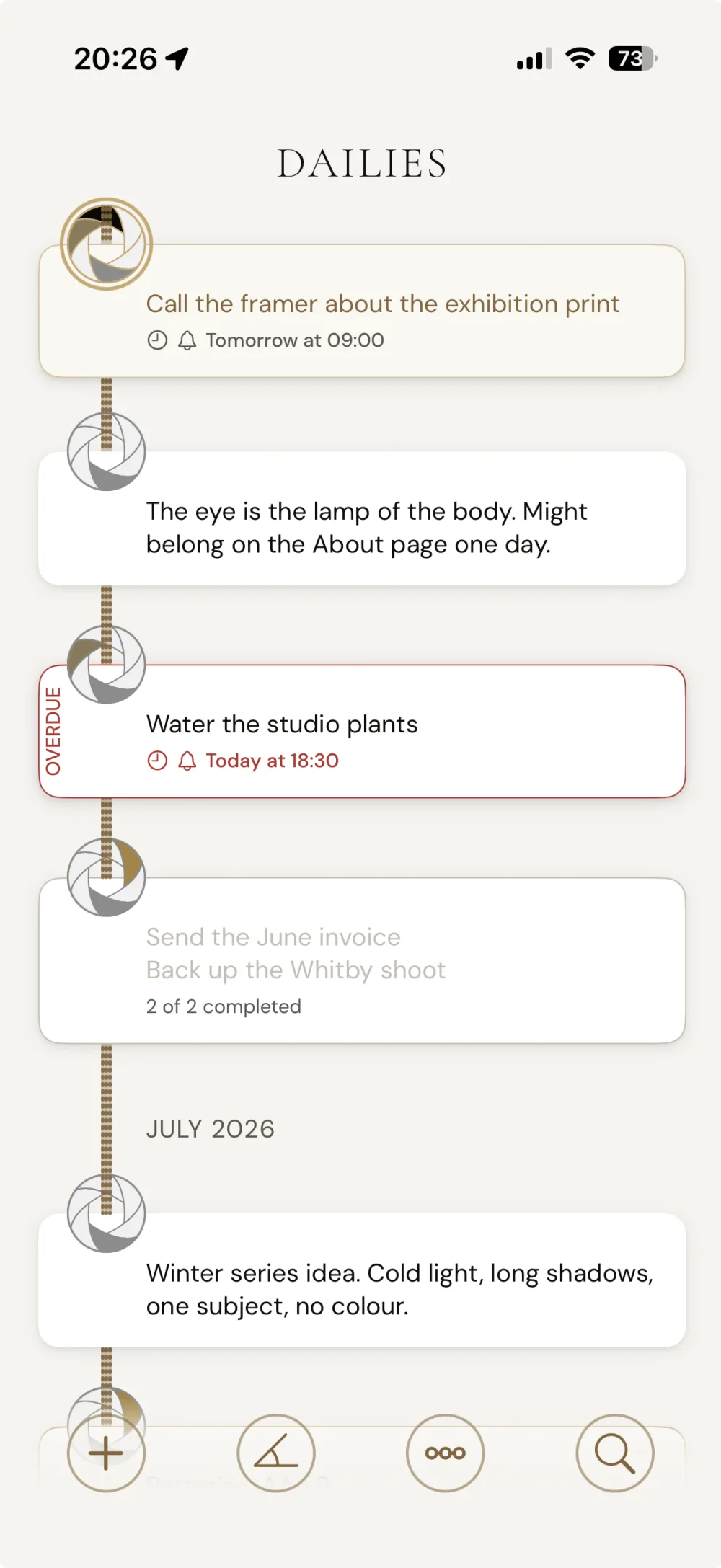
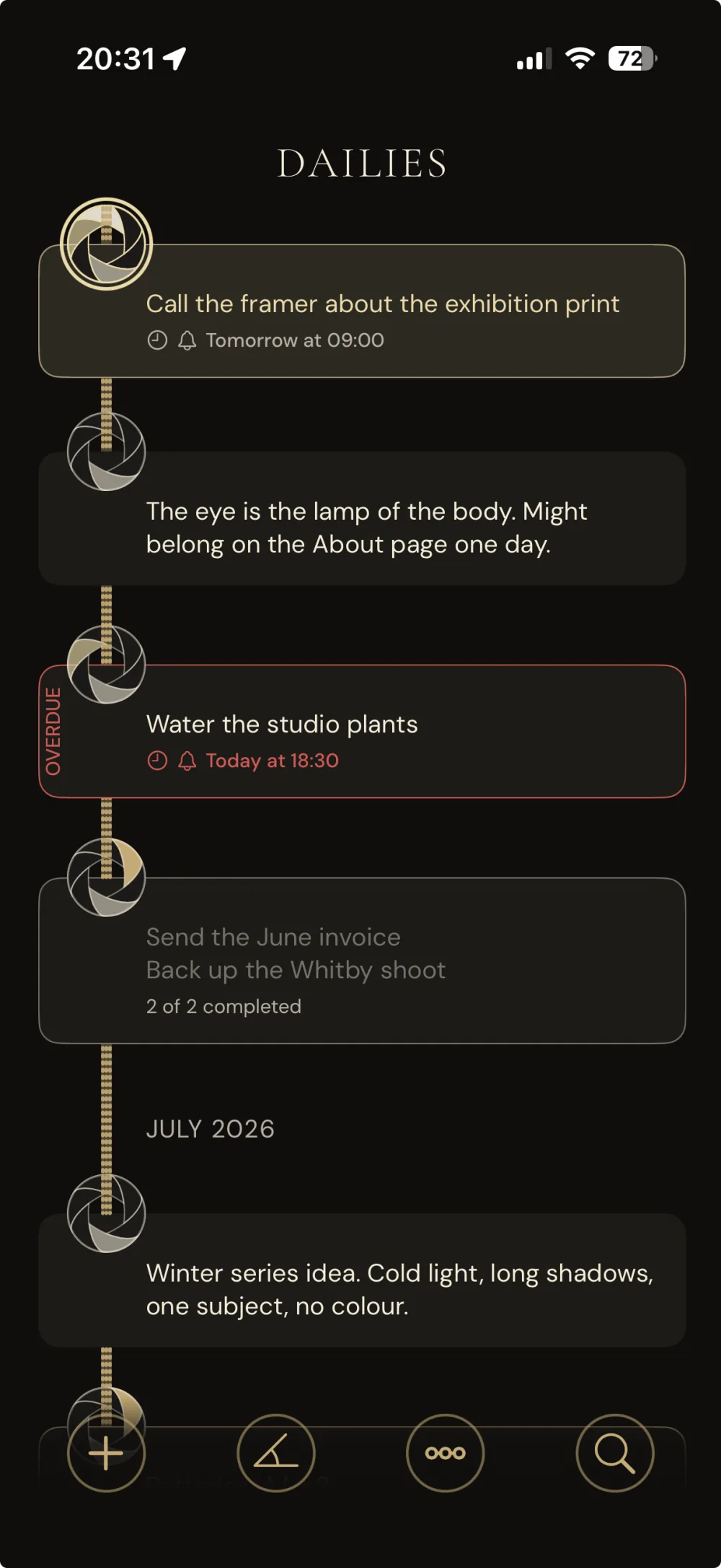
Your Dailies, one timeline
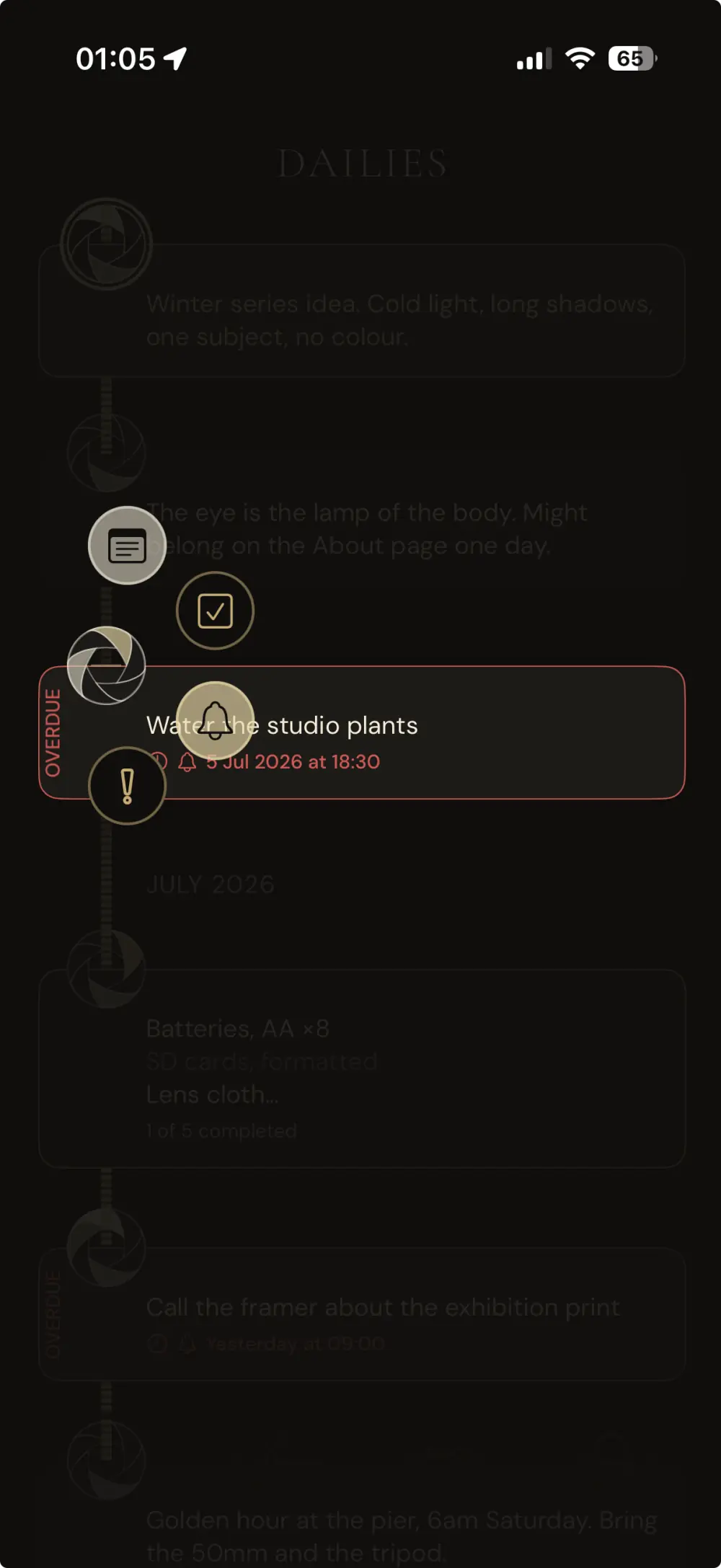
Every Take in the order you had it. One elevated Take, the Obie, pins to the top as the single most important thing right now.
Shape a Take in place
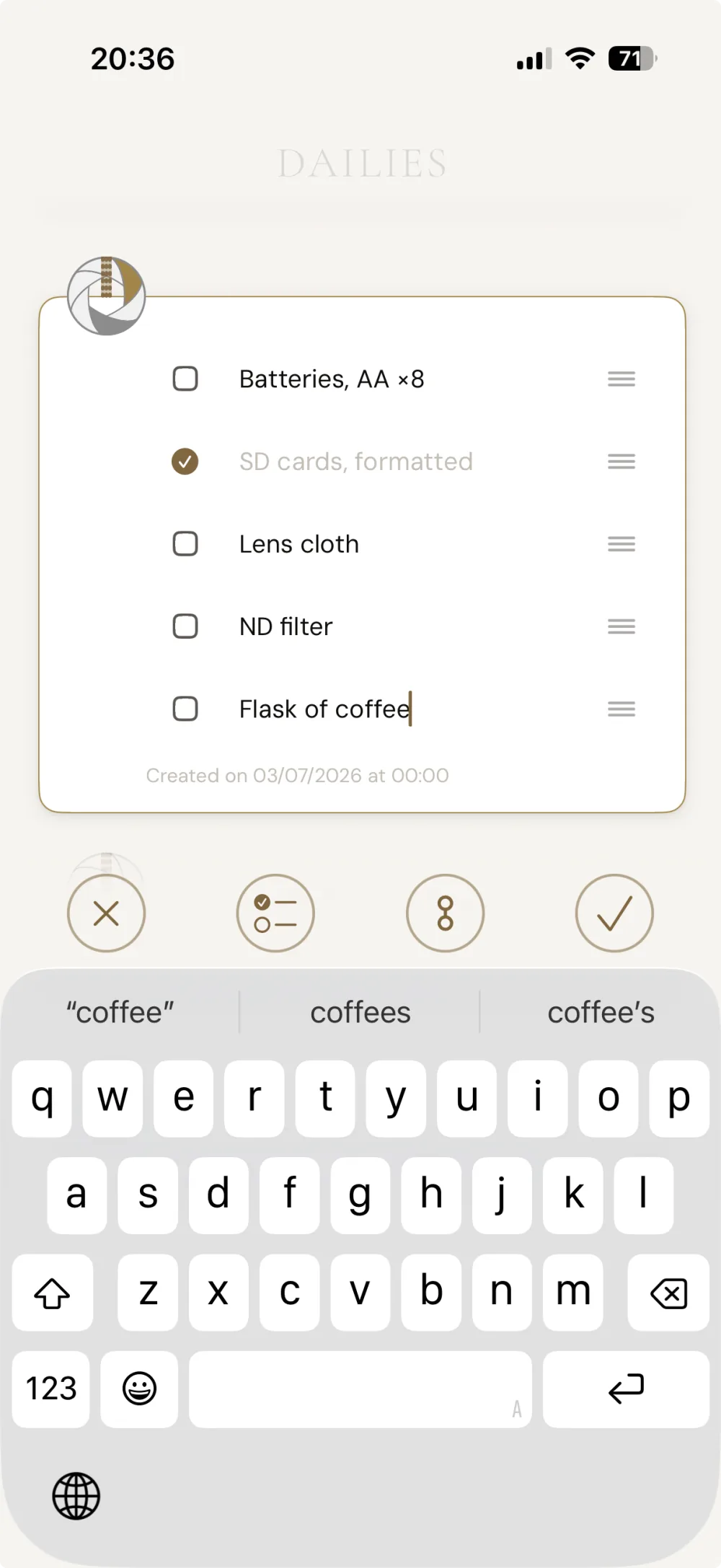
Add a checklist, a due time, a repeat, right on the Take. No mode-switching, no deciding where things live. It’s one editor for note, task and reminder together.
Find any Take in an instant
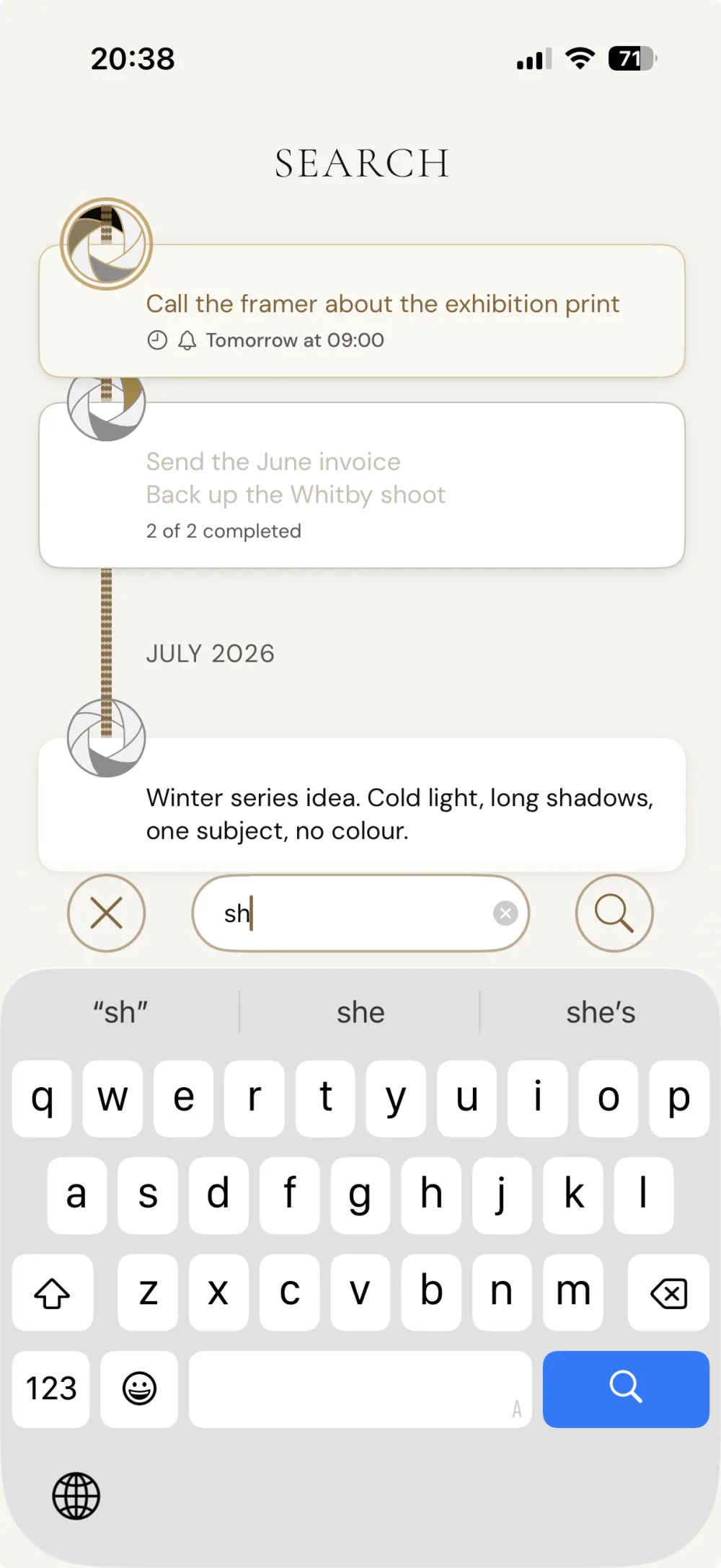
Search across everything you’ve ever captured. The Focus-ring puts every action a thumb’s reach away, act on a Take without leaving the timeline.
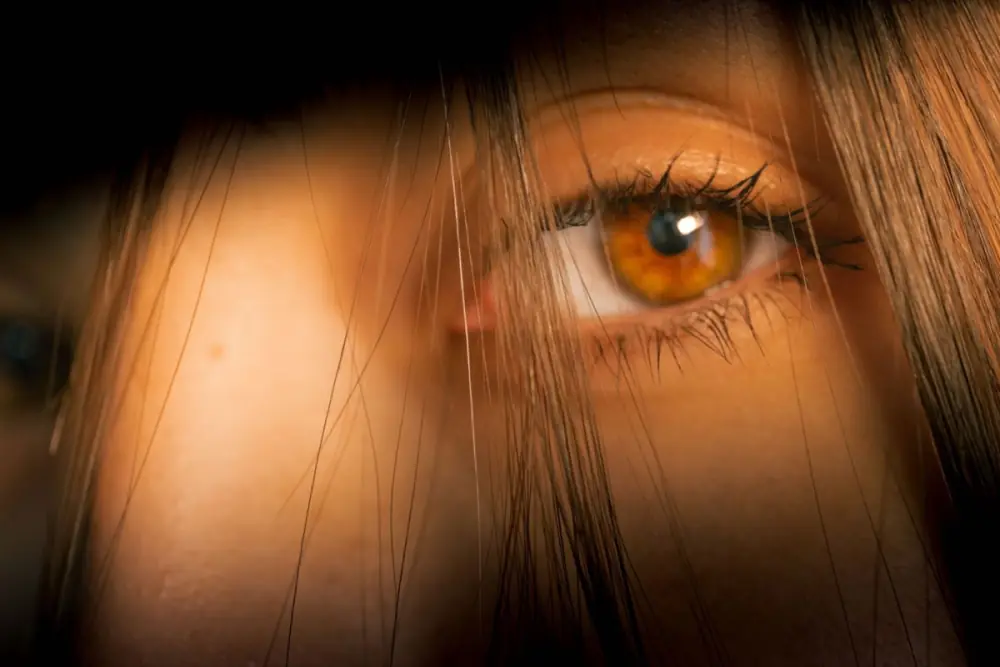
A catchlight is invisible when it works. So is our encryption.
Your Takes are encrypted on your phone, and whenever they leave your device, which they only do if you choose to let them. We don’t hold your keys, you do. We don’t see your data, you do. Not because we choose not to, because it’s genuinely impossible. That’s not a feature. It’s just how it’s built.
Encrypted, obviously. How else would you do it?
Twelve words that encrypt everything, held only by you. Not a “seed phrase” or a backup afterthought, but the heart of how your privacy works.
Catchlight runs no cloud of its own. Sync is optional and uses a folder you choose, from a provider you already trust.
Your Takes stay yours, even if you decide to stop paying.
If your subscription ever lapses, Catchlight doesn’t lock you out of your own thoughts. Your Takes stay readable, and you can export every one as plain Markdown, any time. There’s no account to close and no data to claw back, because it was only ever on your device.
We can’t hold your data hostage. We never had it.
Everything you need to get the most out of it.
A growing library, questions answered, a full user guide, and the language of Catchlight in one place.
Writing on privacy, focus and building slowly.


“I’d grown to hate that my life and my data had become assets for big tech, and little tech, to buy and sell like I’m a commodity. So I’m building the private, beautiful notes app I couldn’t find, slowly, in the open, and yours.”
Read the full story →